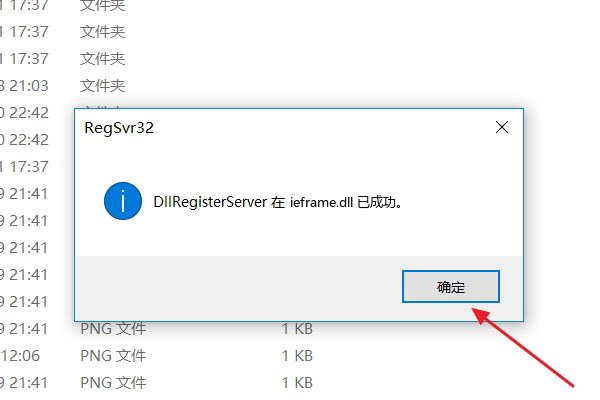
浏览器提示“res://ieframe.dll/dnserror.htm无法打开网页”是因为缺失了ieframe.dll动态链接库文件,其修复步骤如下:
1、首先,在一定途径获取ieframe.dll文件,例如去百度搜索引擎查询并下载。
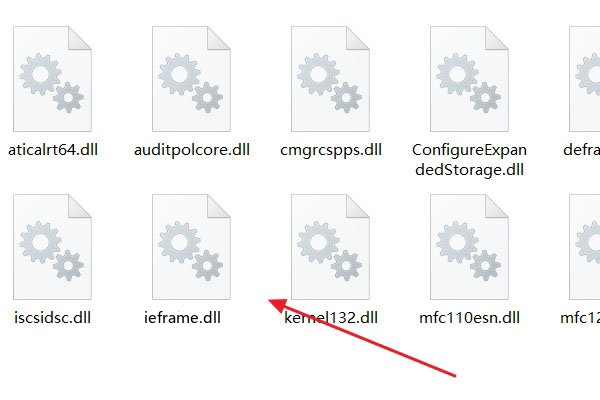
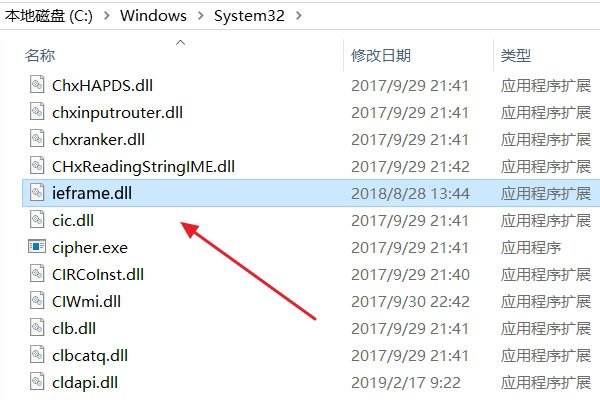
2、其次,将ieframe.dll文件复制到DLL目录“C:\Windows\System32”下。
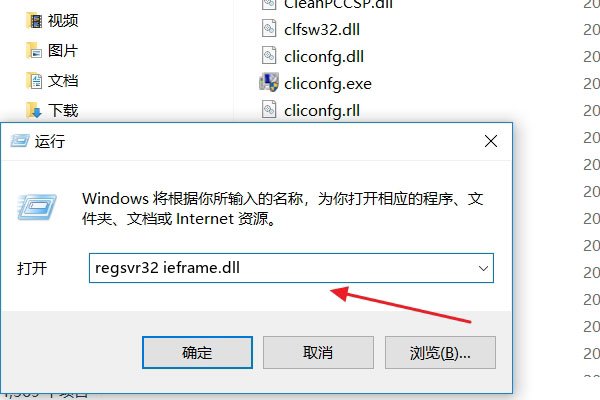
3、点击“开始菜单”的“运行”按钮,输入:regsvr32 ieframe.dll,点击确定。
4、最后,在弹出的DllRegister服务中安装完成ieframe.dll的提示上,点击确定以关闭窗口。