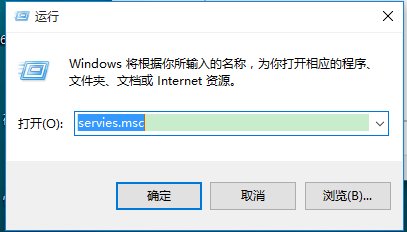
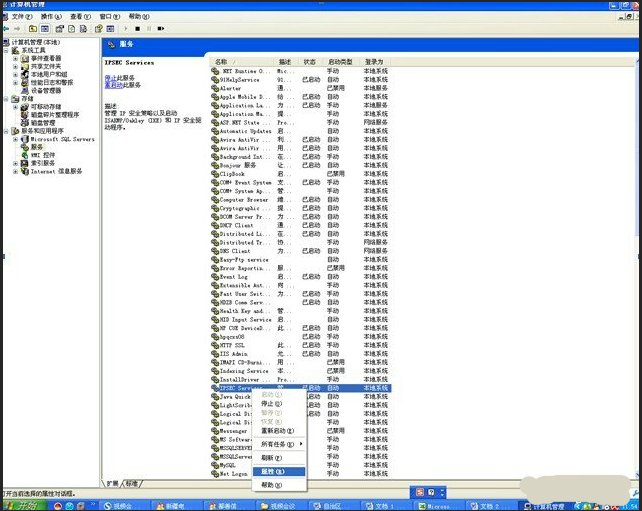
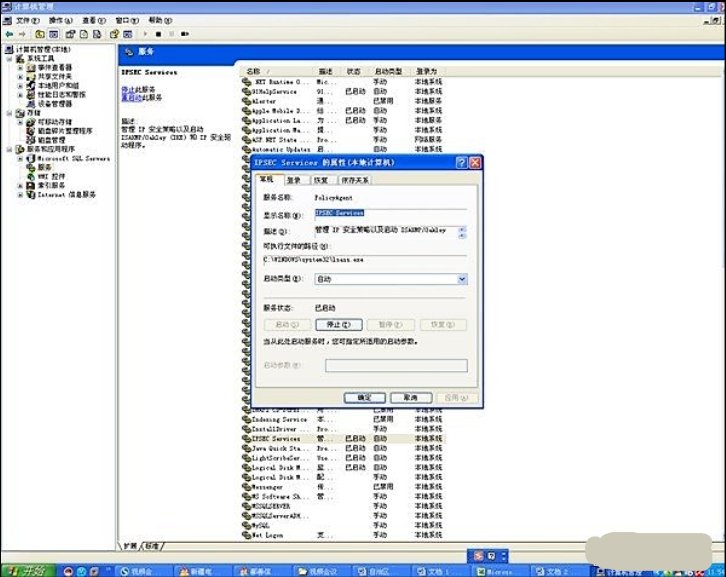
怎样停止Windows服务IPSEC Services 时间:2026-02-08 00:11:00 浏览:889次 停止Ipsec Servives具体操作步骤如下:1. 使用WIN+R唤出“运行”,输入services.msc;2. 点击“确定”进入Windows服务界面,好到该服务,并单击右键;3. 进入Ipsec Servives属性界面,选择停止并确定,便可以停止Ipsec Servives服务; 标签:Windows,IPSEC,Services